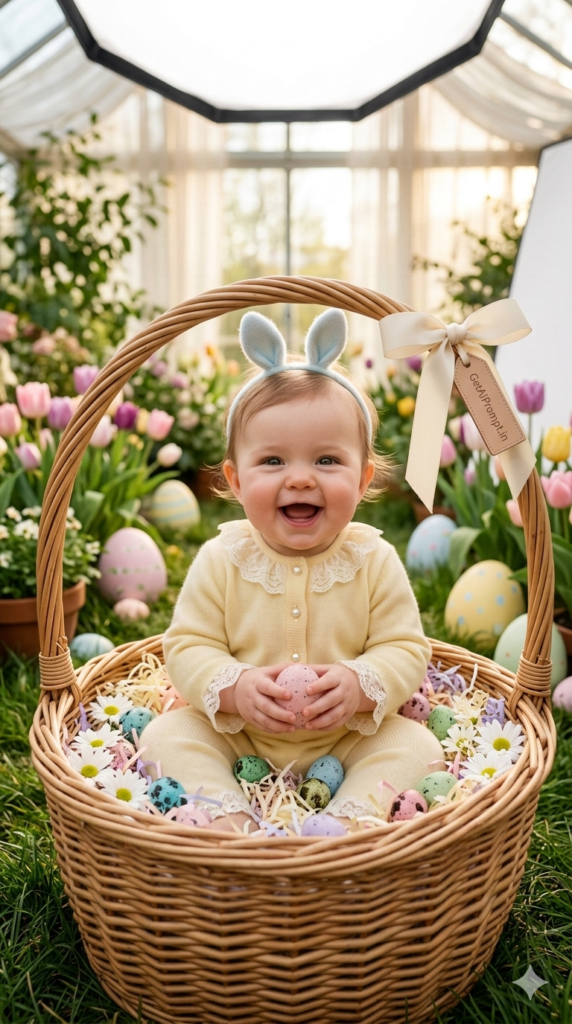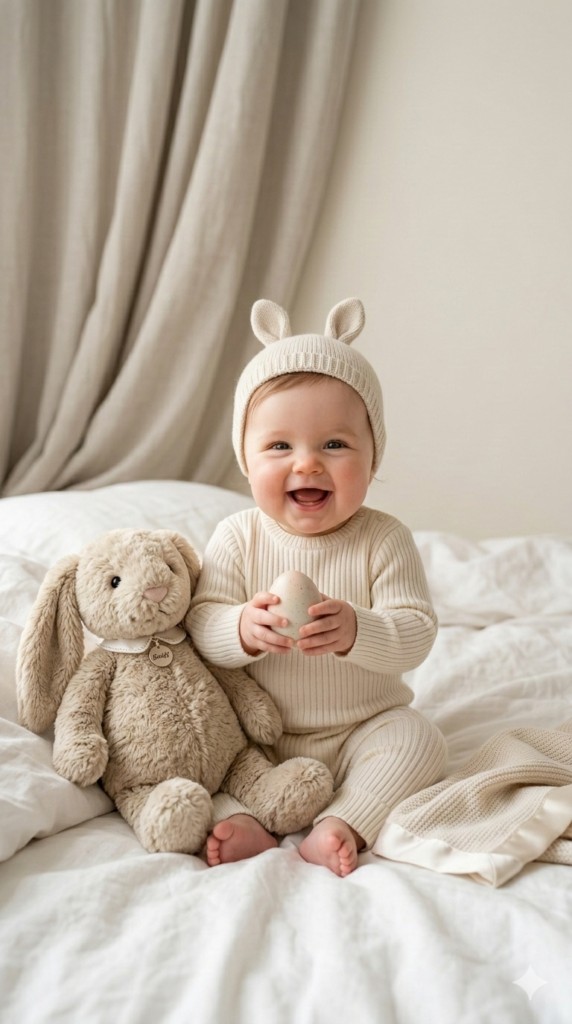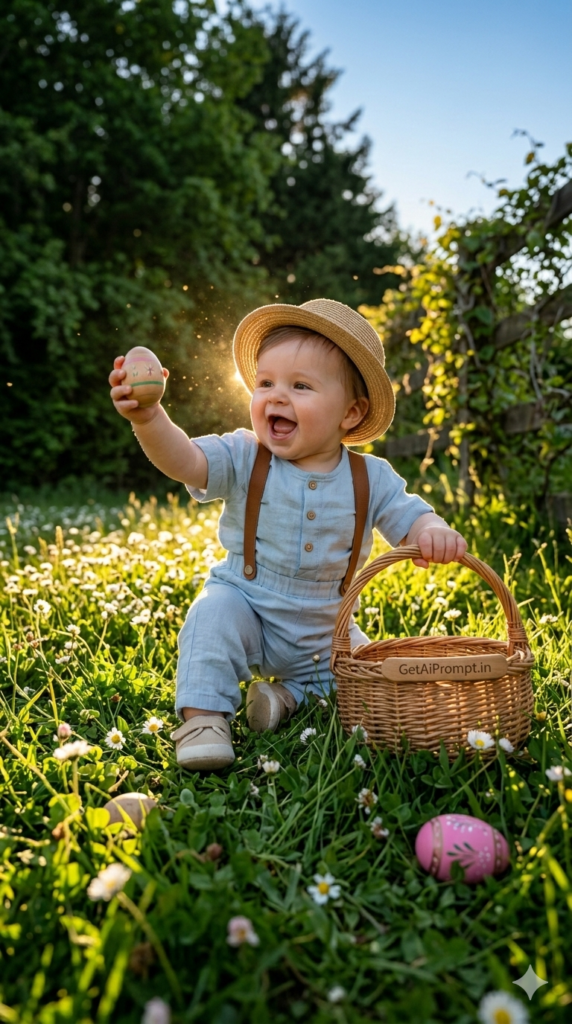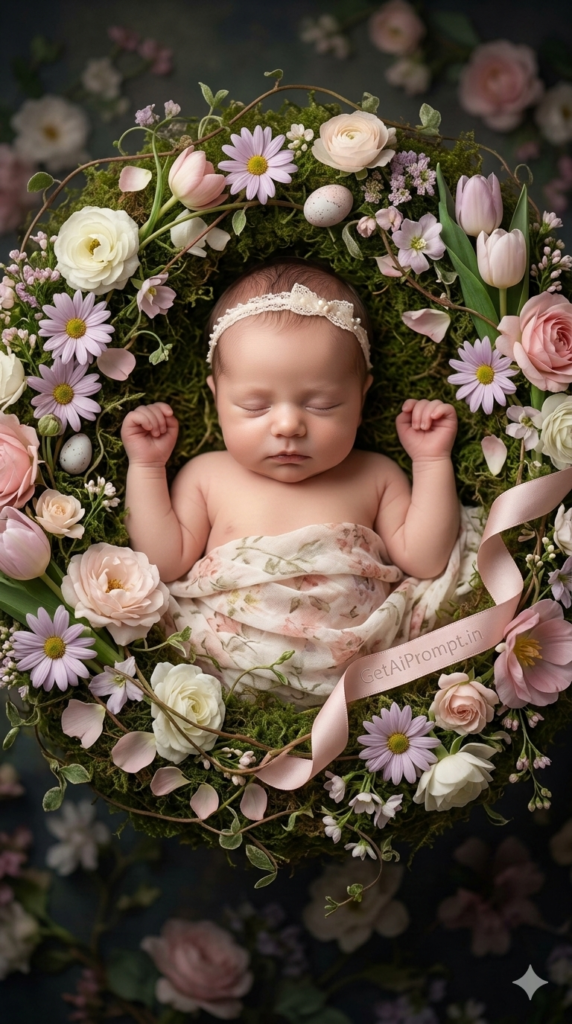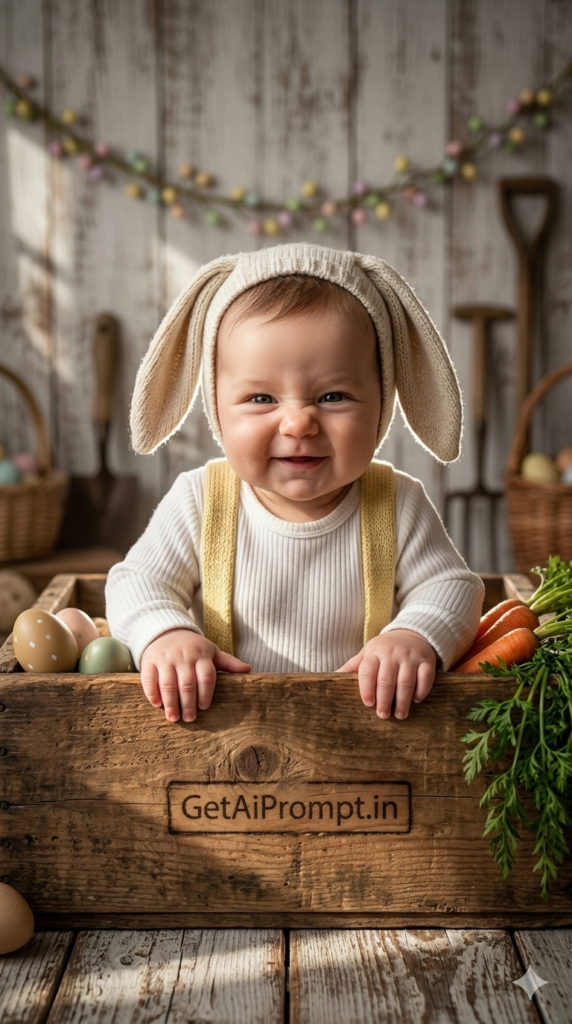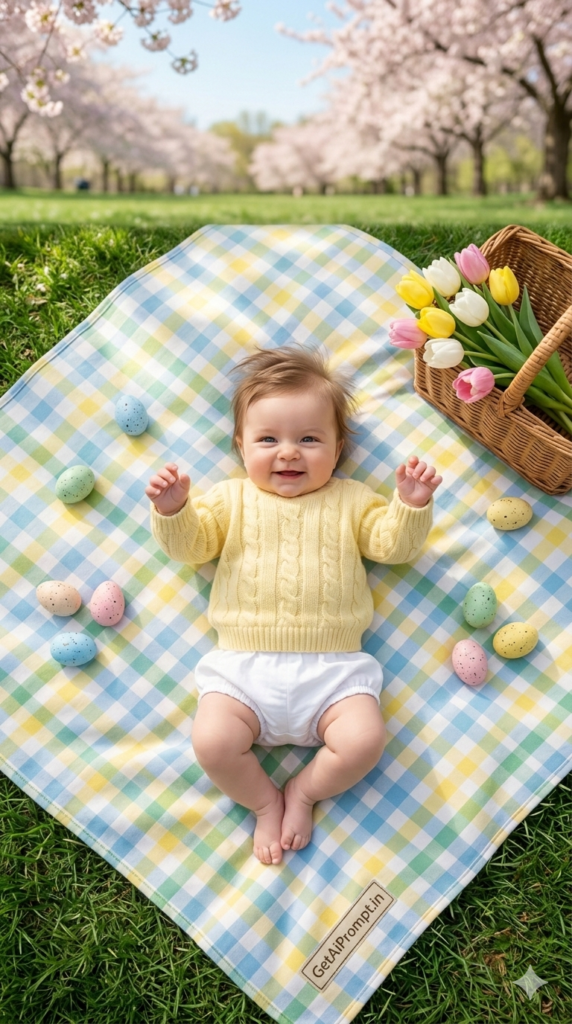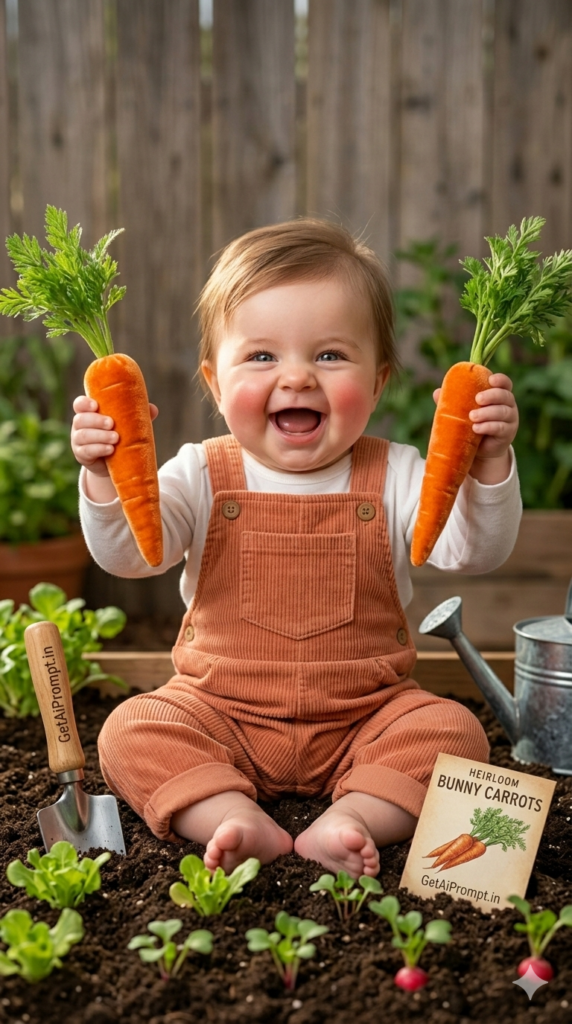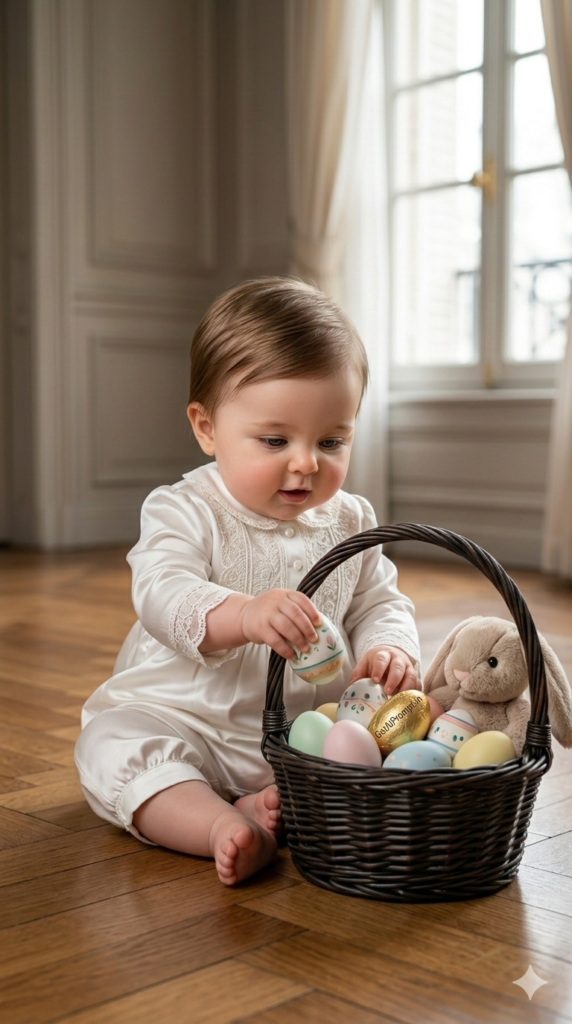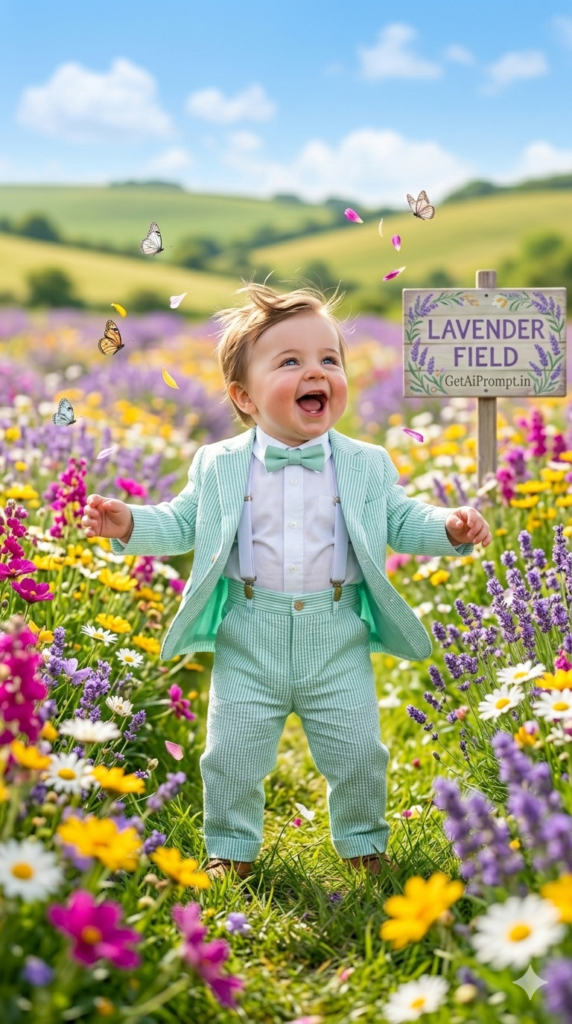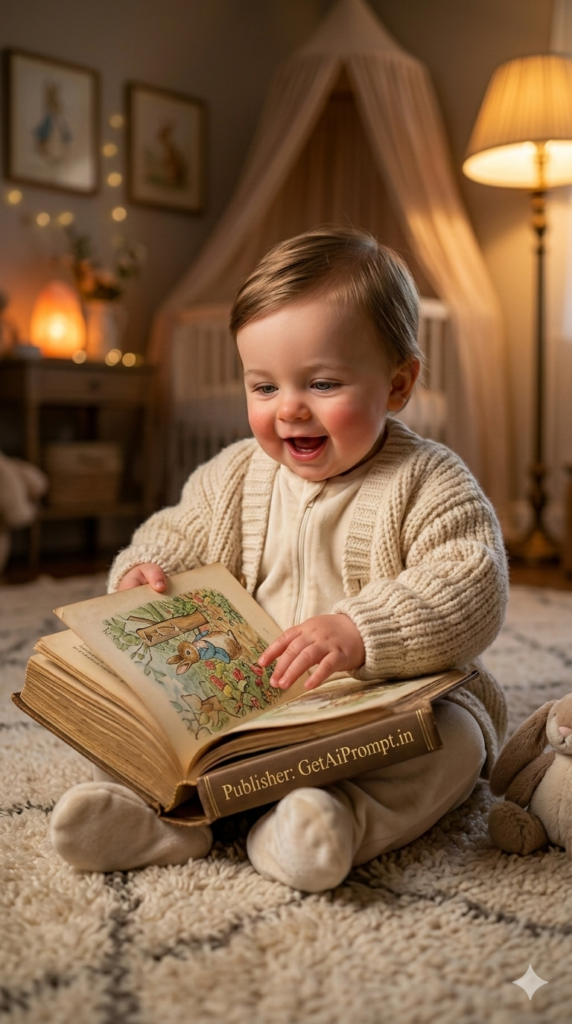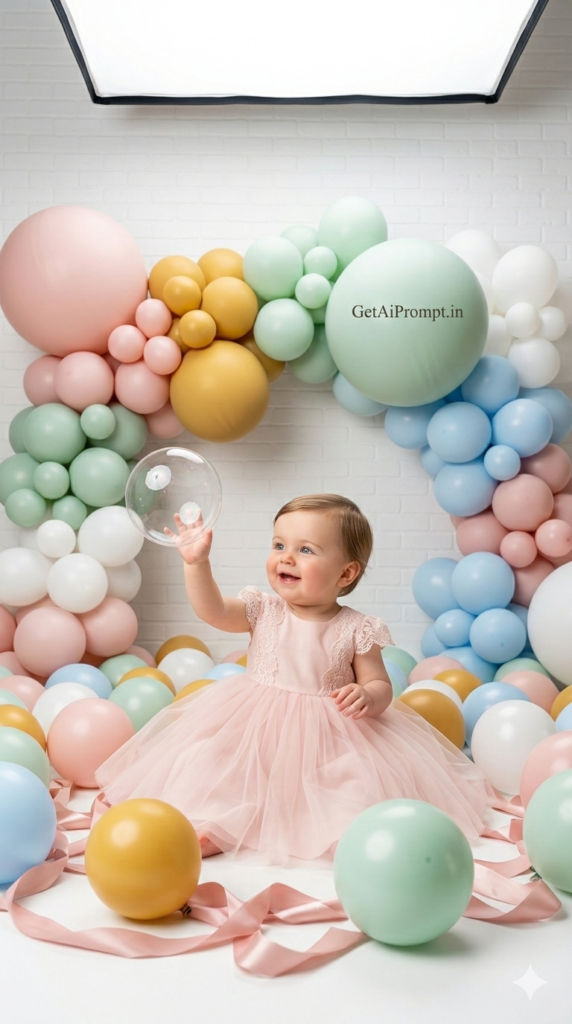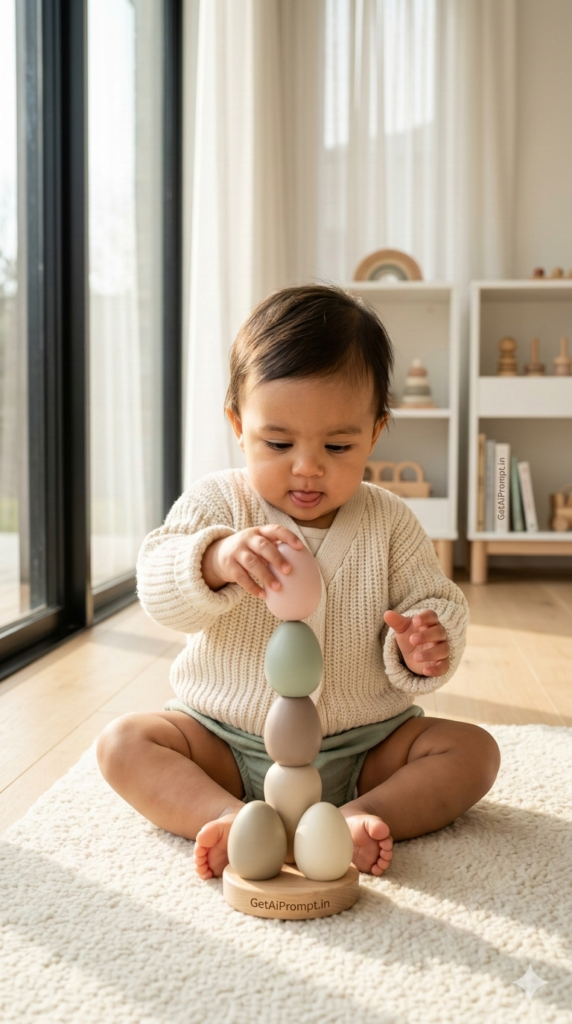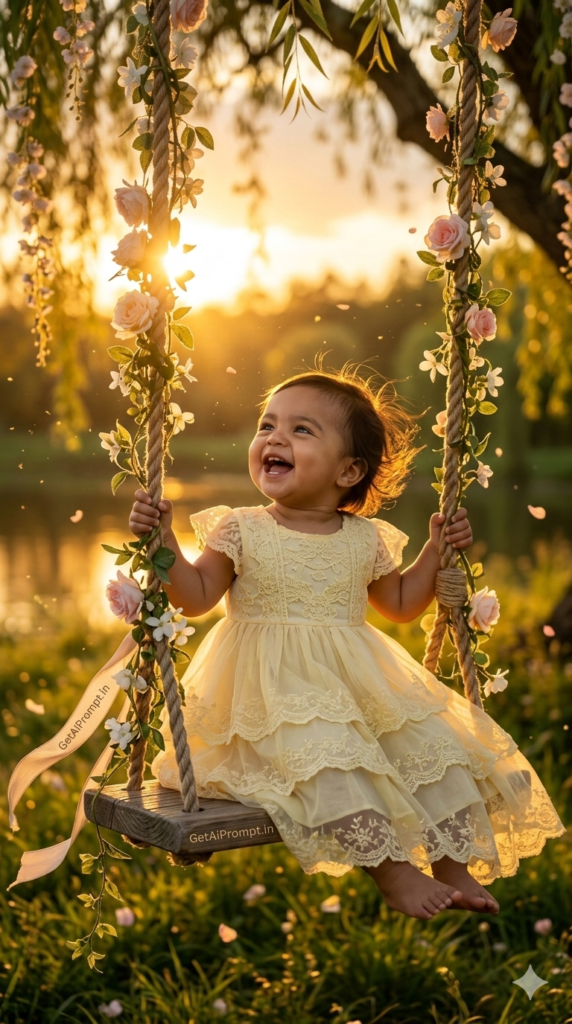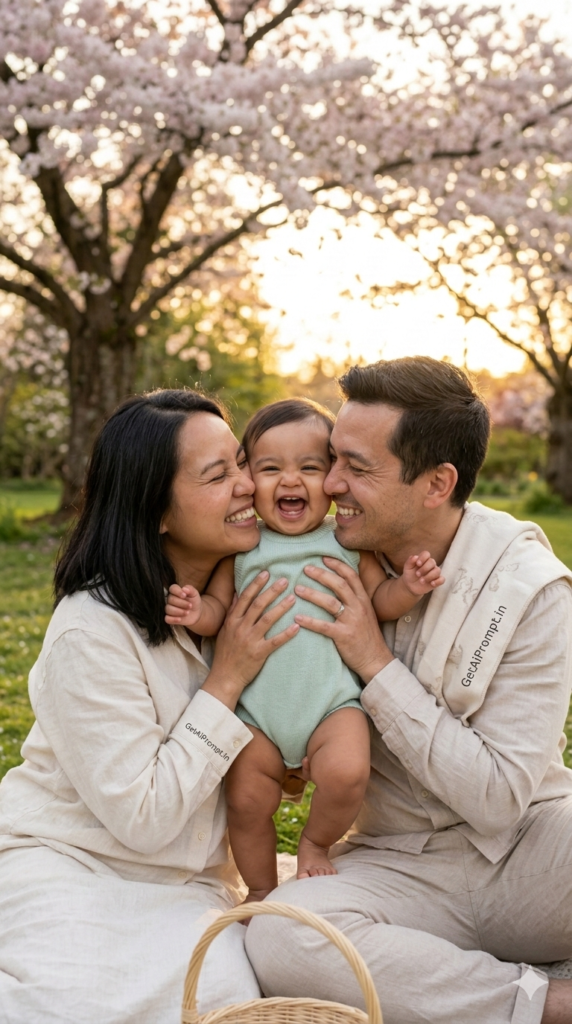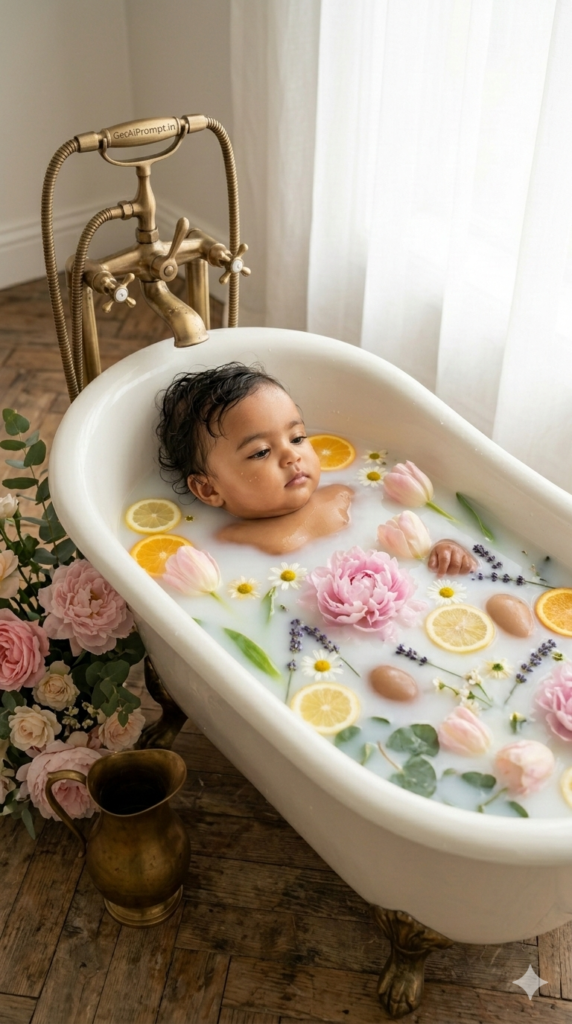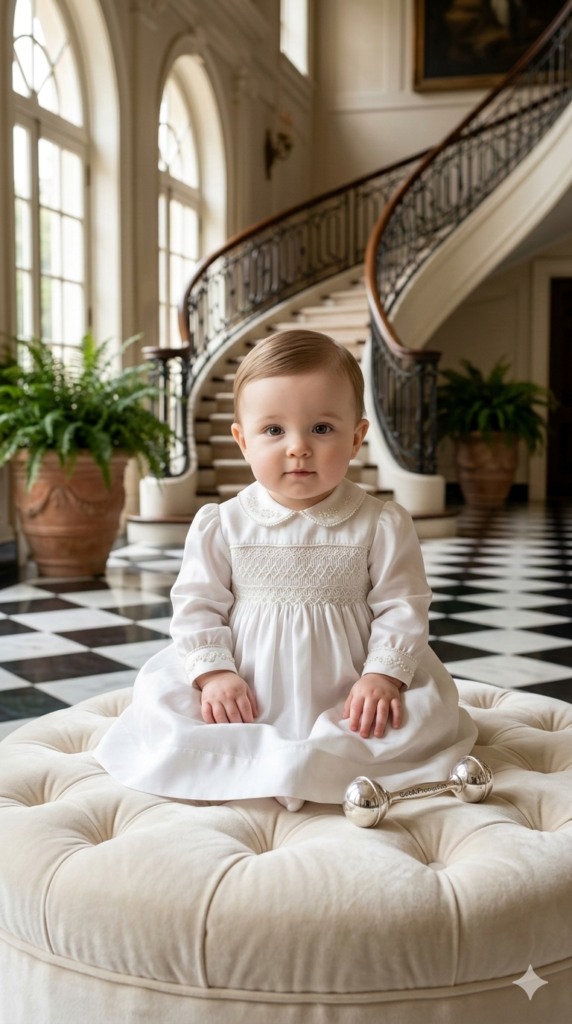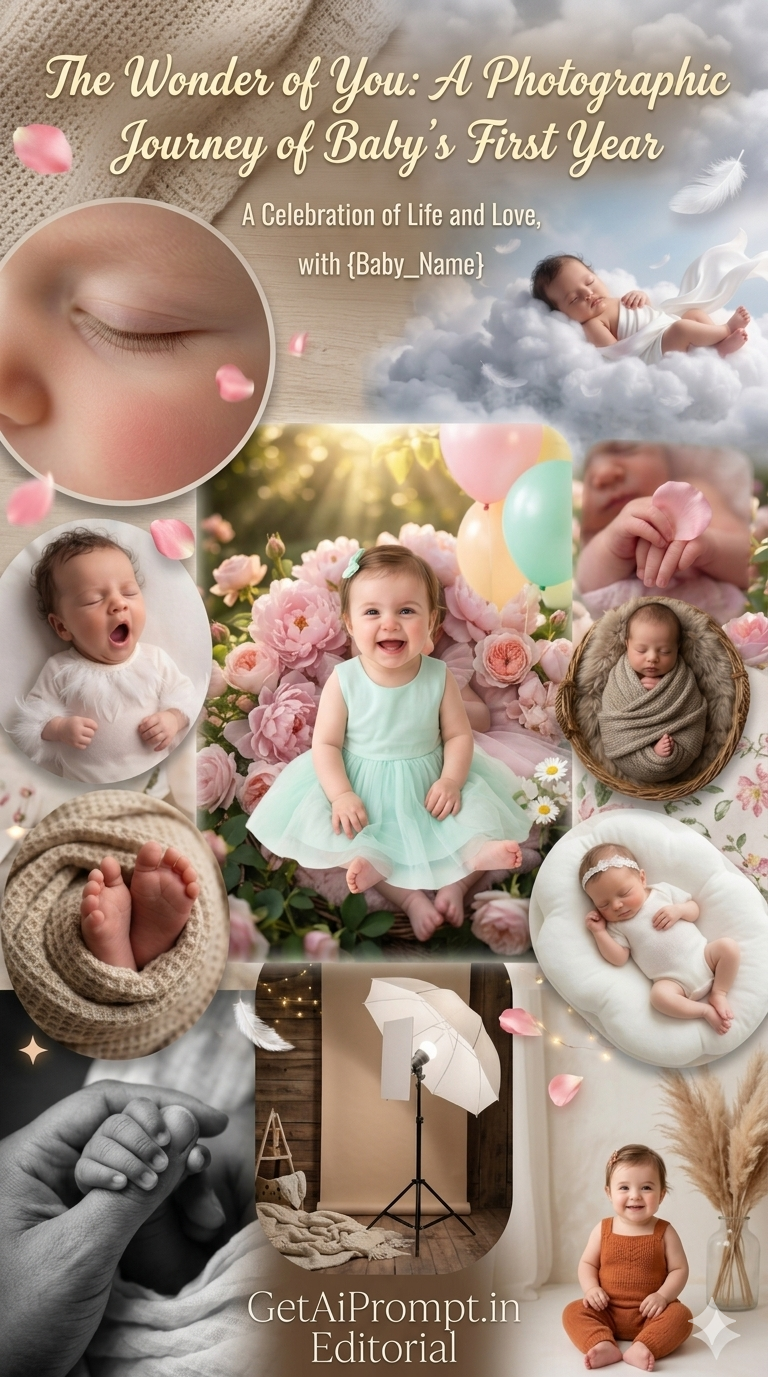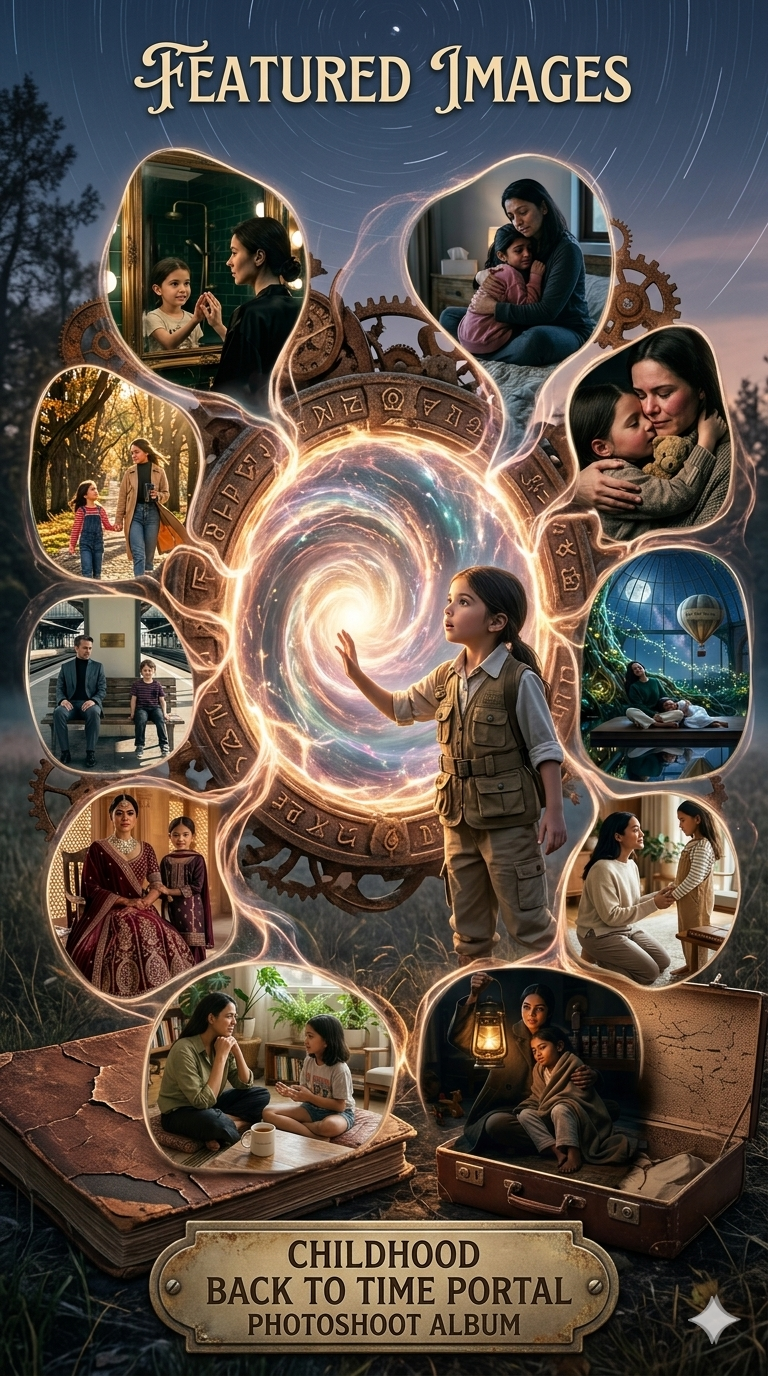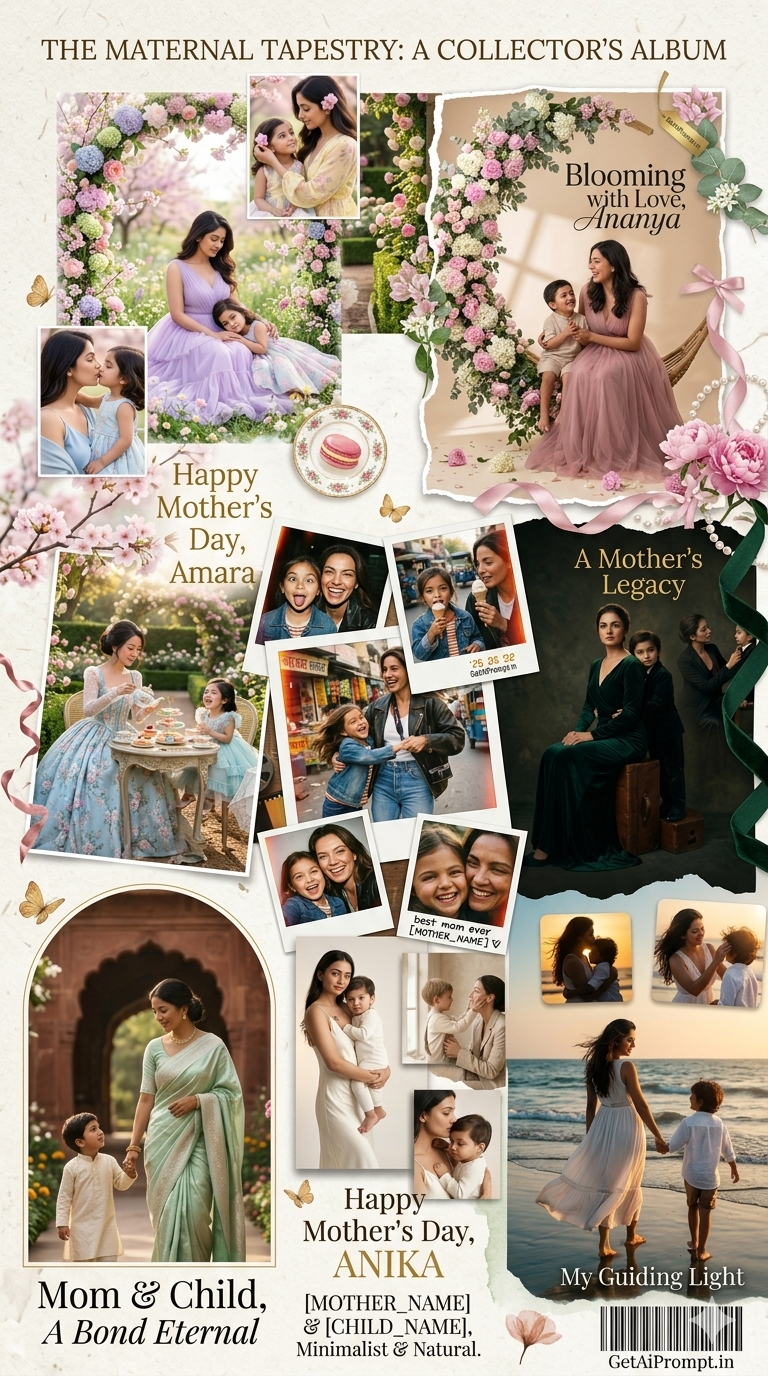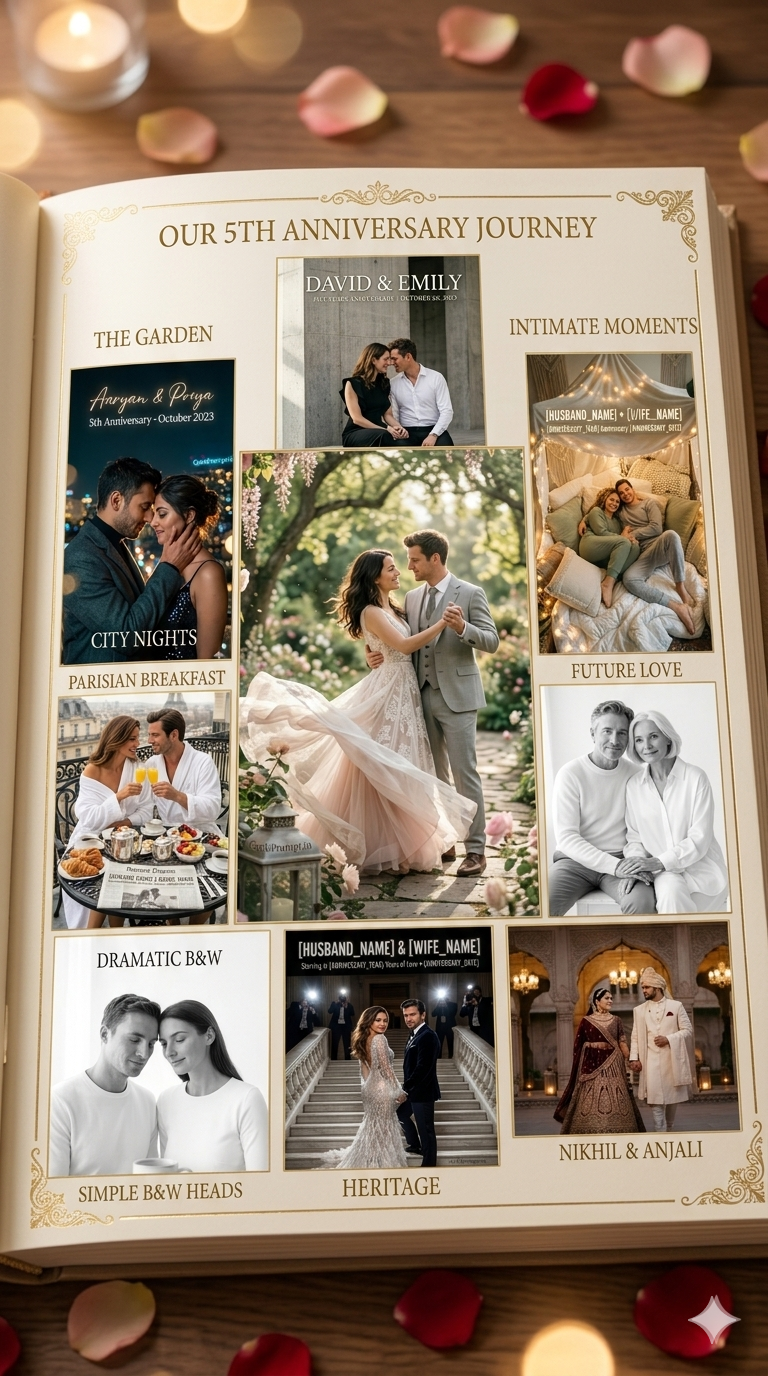
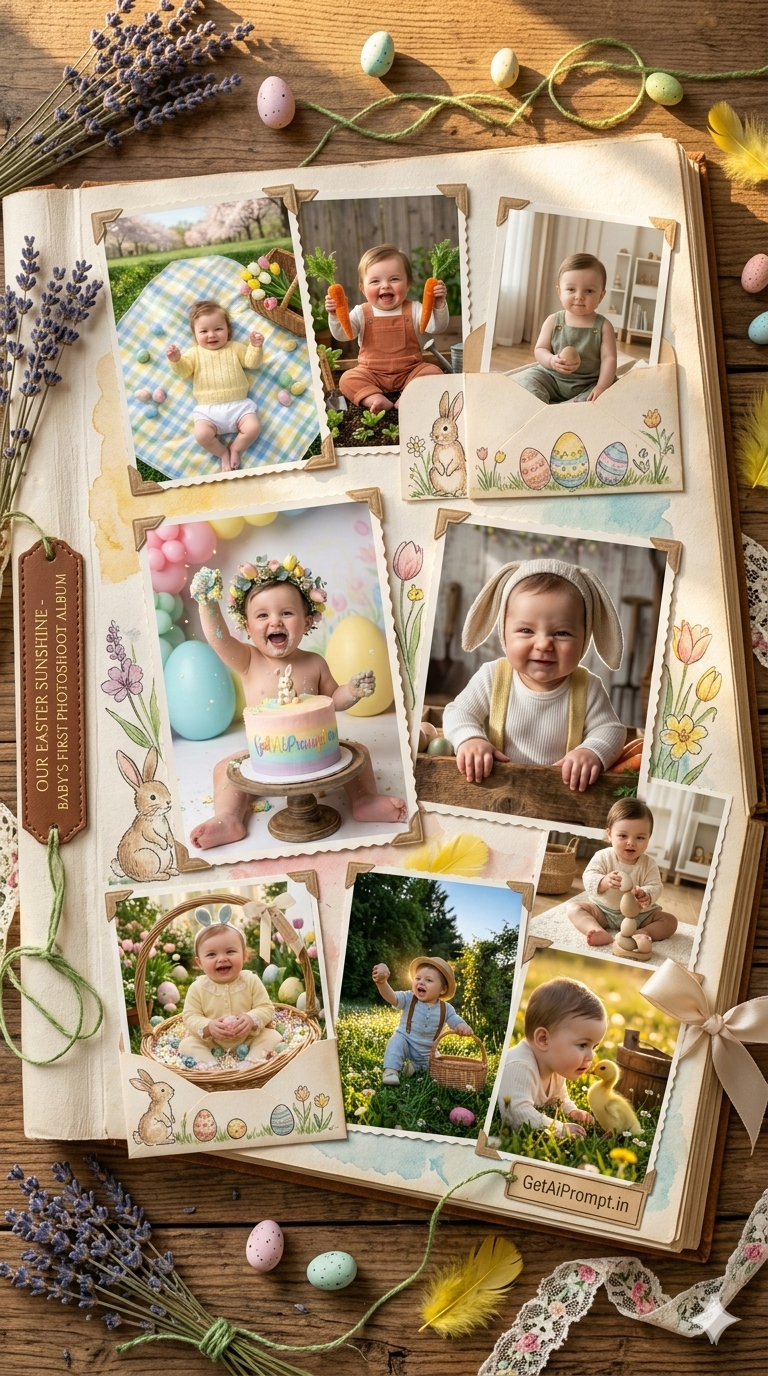

Let us be honest about traditional baby photoshoots. You spend hundreds of dollars on a fancy spring outfit. You cross your fingers your little one will not have a meltdown. You pray to the naptime gods for just one good gummy smile. And then they immediately spit up on the pristine white bunny ears. Welcome to the beautiful chaos of parenting. But what if you could skip the tears and the expensive dry cleaning bill? Using AI for a baby portrait is not about creating a fake life. Think of it like renting a gorgeous studio setup that you do not actually own. You are simply using technology to see your beautiful baby in a magical flawless environment. Viewing these perfect variations of your child actually releases warm happy hormones. It strengthens your emotional bond and gives you a perfect Easter memory without the stress.
Why Most AI Photography Fails
Welcome to your ultimate guide for creating breathtaking spring memories. In this post you will learn how to generate stunning magazine quality Easter baby portraits. We will show you exactly how to bypass the artificial plastic look that plagues most AI images. You will discover the secrets of professional prompt engineering to achieve true to life lighting and textures.
Many people try AI generation and end up completely frustrated. Their prompts fail because they rely on generic words like cute baby or nice lighting. Those vague instructions leave the AI guessing resulting in distorted faces and unnatural environments. To get premium results you must speak the language of a high end portrait photographer. You need to dictate the specific camera lens lighting modifiers and environmental textures.
This article is designed as a comprehensive masterclass in visual storytelling. We are not just giving you basic copy and paste text. We are breaking down the psychological and technical reasons why these specific photographic setups work. You will learn how to trigger genuine emotional responses through visual hierarchy and organic color theory. Whether you are a professional photographer brainstorming seasonal campaigns or a parent wanting a flawless digital keepsake this guide will elevate your output. Prepare to master the art of the perfect tear free digital photoshoot.
What These Premium Prompts Generate
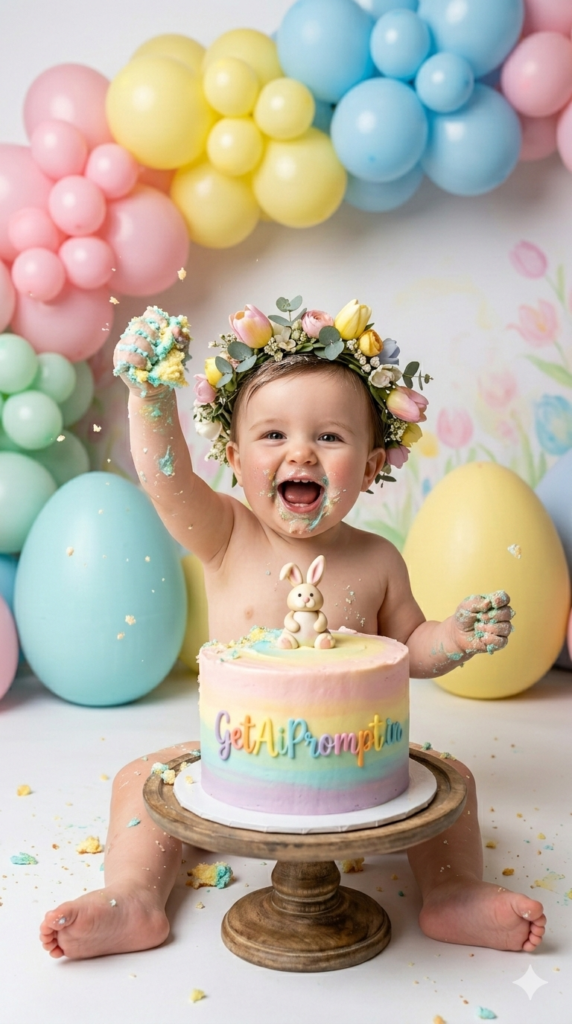
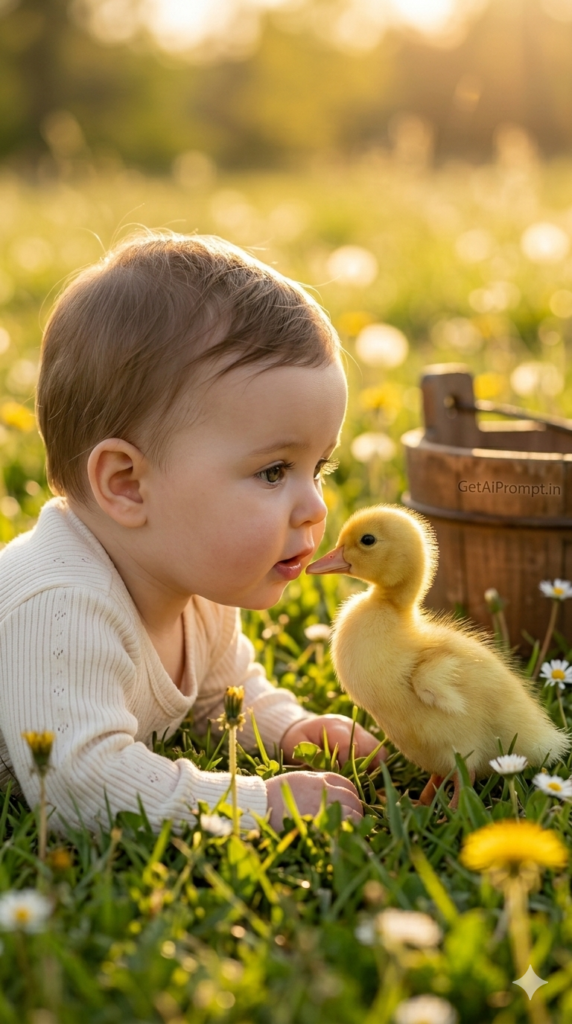
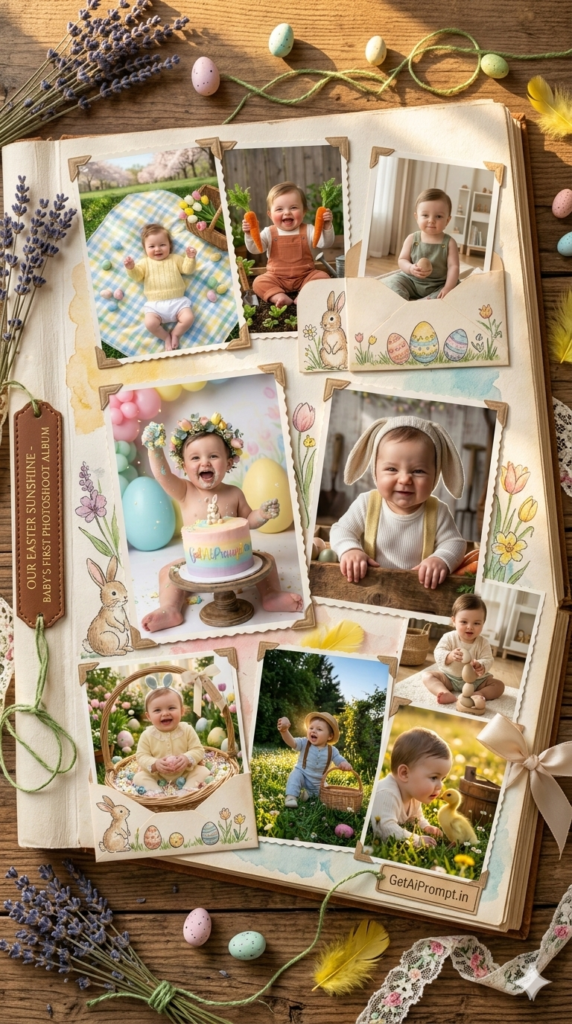
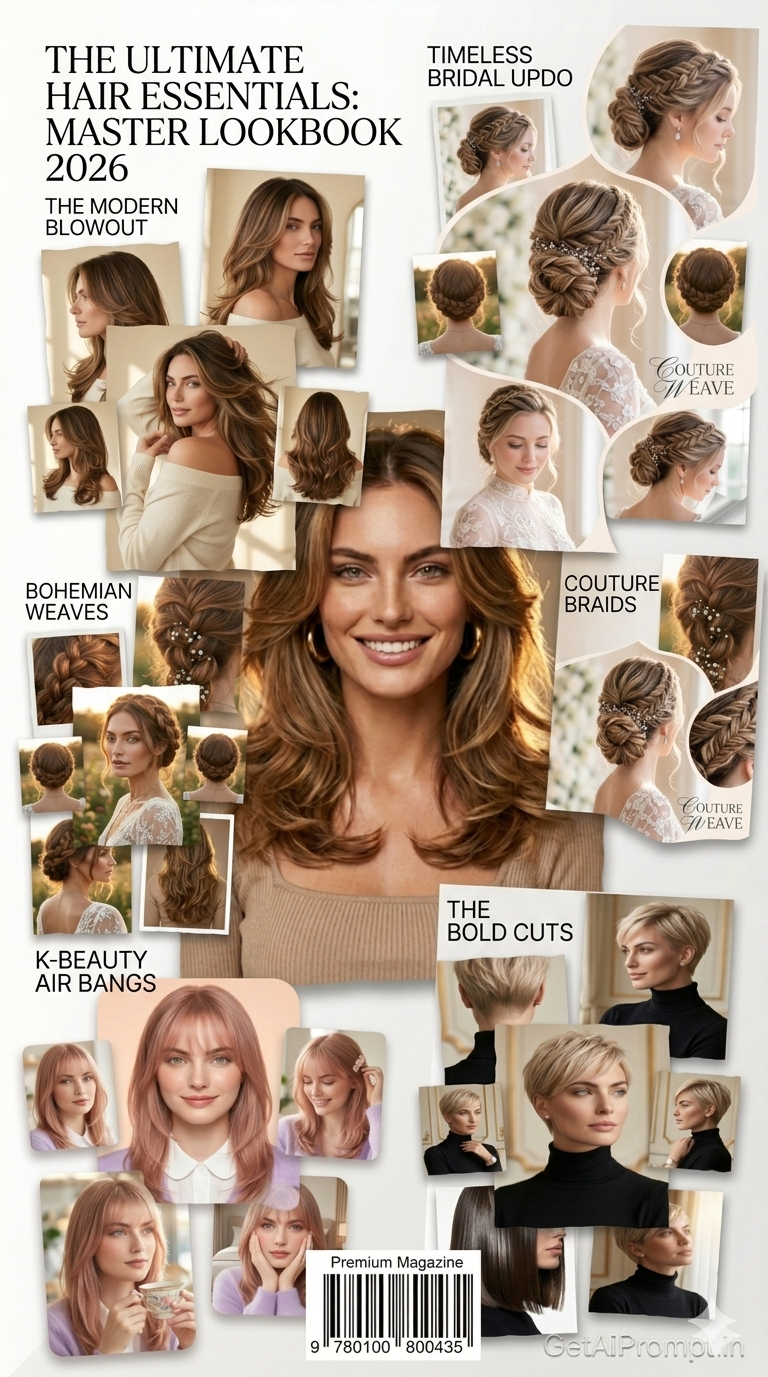
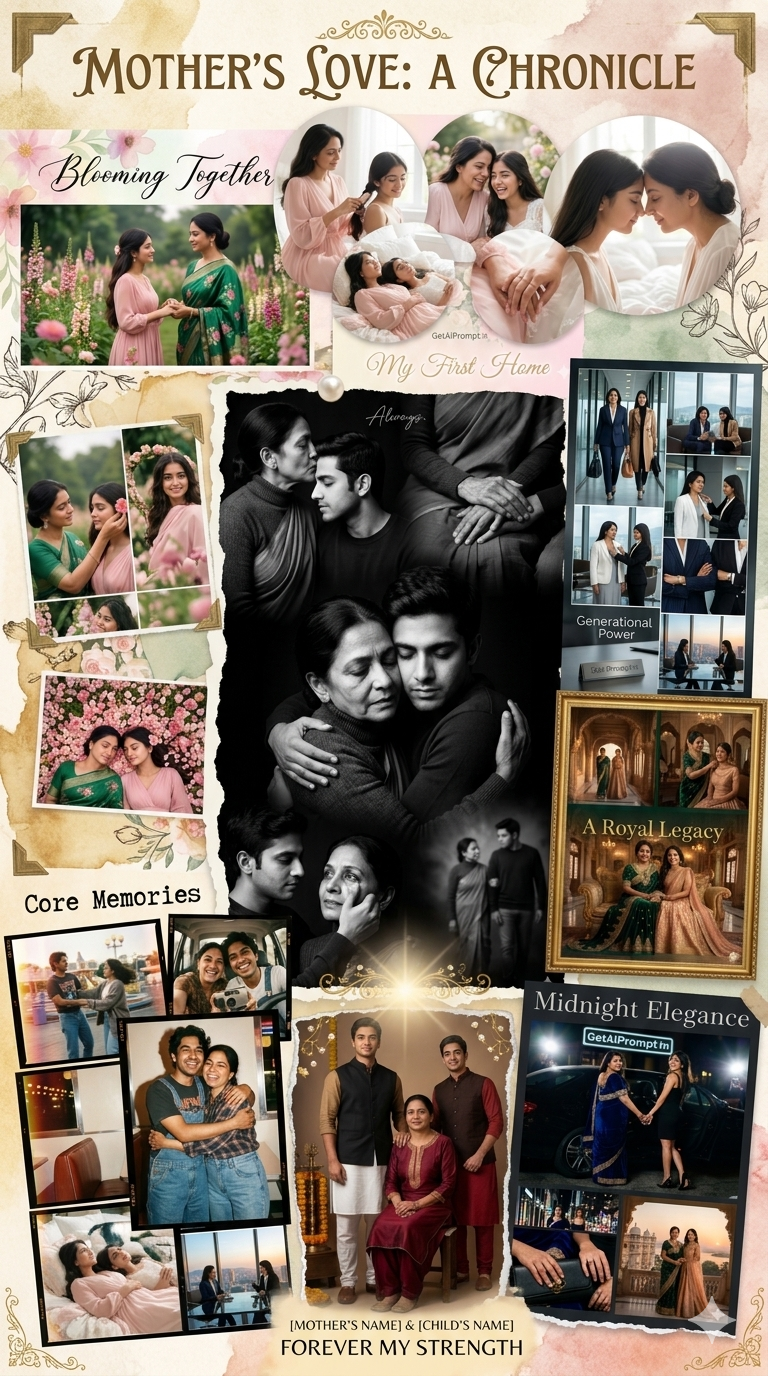
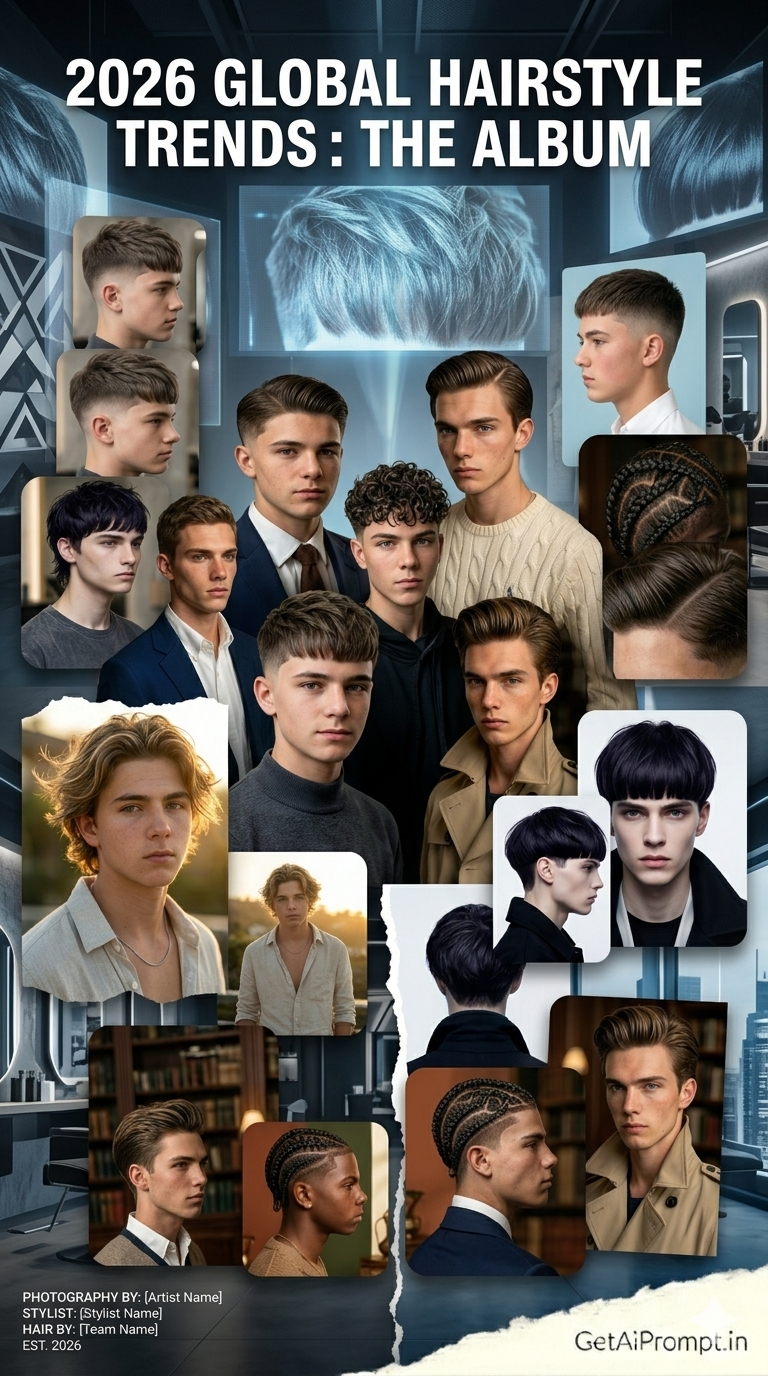
These prompts generate highly detailed photorealistic images of babies in luxurious spring settings. They accurately match the facial structure of your provided reference photo. The results mimic high end DSLR photography with perfect depth of field and authentic studio lighting.
The Psychology Behind the Visuals
Why do these specific image prompts work so well? It comes down to human psychology and visual status signaling. A well lit beautifully styled portrait unconsciously signals care high status and safety. Our brains are hardwired to release oxytocin when we see innocent clear eyed baby faces in comforting environments.
We use strategic visual hierarchy to guide the viewer directly to the baby’s eyes. The prompts blend nostalgia with realistic aspiration. They recreate classic storybook moments but render them with modern sharp photographic realism. The AI models interpret these detailed technical descriptions by mapping them to thousands of high end editorial examples in their training data. You are essentially directing a world class digital studio.
FAQs About AI Baby Photoshoots
Will an AI photoshoot look like a fake artificial life?
No it functions much like a stylized studio session. Just as a photographer provides props and backdrops you do not own AI creates a digital set. It is a creative way to celebrate a season not an attempt to deceive anyone about your daily reality.
How do I make sure the AI baby looks exactly like my child?
You must use a clear well lit reference image of your baby facing the camera. Our prompts include a critical face match lock instruction. This forces the AI to map the exact biometric data and skin tone from your uploaded photo.
Can I change the outfits and backgrounds in these prompts?
Yes our prompts feature variable brackets. You can easily swap a pastel yellow onesie for a soft blue romper. Changing these specific variables alters the scene completely while maintaining the premium professional studio quality.
How to Use These Prompts Correctly
Follow these exact steps to ensure your AI generated portraits look flawlessly human and professionally lit. We highly encourage you to leave a comment below with your favorite generated results. Sharing your creative ideas helps build a trusted inspiring community of digital creators.
For ChatGPT or Gemini Nano Banana Pro:
- Click on the image to copy the prompt.
- Open your Gemini App.
- Select Create Image.
- Select Pro Models.
- Upload your reference image.
- Copy paste or edit the prompt according to your need.